
You want faster throughput. Fewer errors. Lower costs. Guess what? It all starts at the loading dock. Your loading dock is the most undervalued, overworked area of your entire facility. It’s the first touchpoint for inbound freight, the last stop before outbound trucks hit the road—and the beating heart of your logistics operation.
If your docks are slow, your supply chain is slow, if theyre disorganized, you’re bleeding accuracy, if they are backed up, you’re losing money by the hour.
So let’s fix it.
What is Crossdocking ? (Read our Article here)
Crossdocking is a logistics method where incoming freight is unloaded, sorted, and shipped out with little to no storage time. Instead of sitting on shelves, products flow directly from the receiving dock to outbound transportation.
Benefits of crossdocking:
- Faster delivery – Goods reach stores or customers within hours.
- Lower storage costs – Reduces the need for warehousing.
- Fewer handling steps – Less damage and labor.
- Improved inventory turnover – Products move quickly and efficiently.
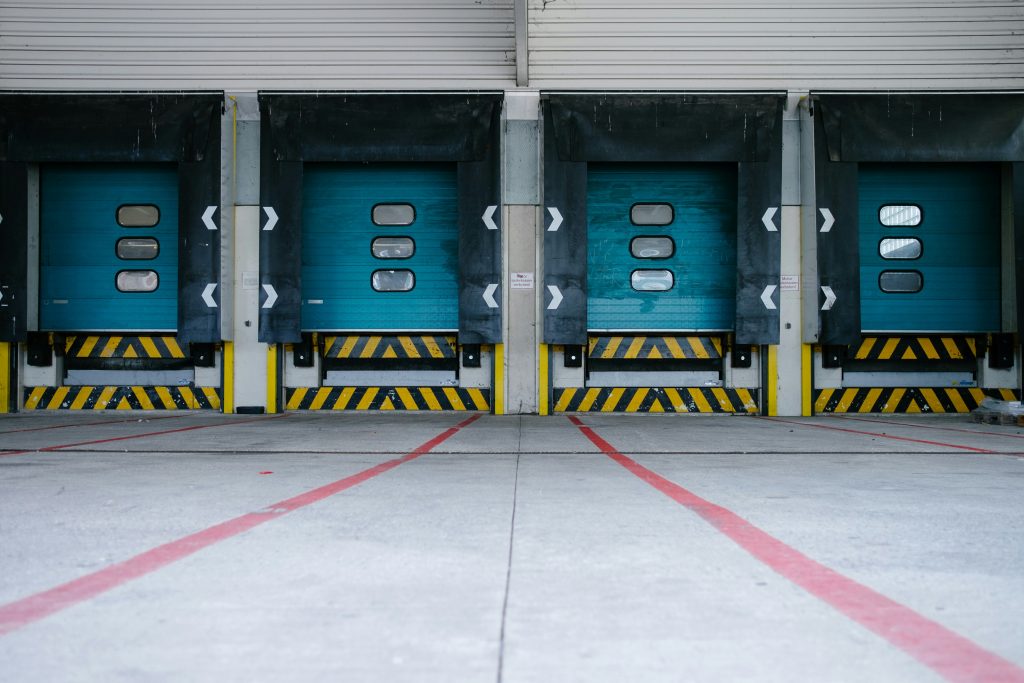
1. Design the Loading Dock Layout Like You’re Designing a Highway
Too many facilities treat docks like open real estate. They’re not, they’re high velocity intersections.
Start with layout:
- Separate inbound from outbound — Never let those flows cross paths.
- Direct line of sight — From staging to dock to trailer. No detours, no forklifts zigzagging through clutter.
- Staging zones by destination or route — Not “where there’s space.” Label everything. Think flow first.
- Emergency buffer zones — For unexpected loads, rework, or overflow that won’t block the main arteries.
Your dock floor should function like a high speed loop: freight enters, gets routed, and exits without friction.
No wandering or waiting. Just movement.
2. Schedule Like a Pro, Not a Hopeful
Speed starts with control and control starts with loading dock scheduling. If trucks show up whenever they want, you’ve already lost.
Implement a real appointment system:
- Assign time windows by load size, carrier performance, and urgency
- Use dock scheduling tools (like C3, Opendock, or FourKites)
- Track dwell times and penalize repeat offenders
- Spread load arrivals to match labor capacity—not overload it
Bonus move? Allow carriers to self-schedule in a controlled window. Fewer phone calls, better planning, and more predictable dock utilization.
3. Scan Everything, No Exceptions
Want perfect accuracy at the dock? Stop eyeballing it. Scan in, scan out. Scan while staging.
Equip your team with:
- Handheld barcode scanners
- RFID gates at dock doors
- Mobile workstations with real-time updates
Track:
- What arrives
- Where it’s staged
- When it’s loaded
- Who touched it
This isn’t micromanagement it’s precision and in high-speed environments, precision = profit.
4. Create Role Based Flow Protocols
Speed dies when nobody knows who’s doing what. Don’t let people float randomly. Build a team that knows their zone, their timing, and their next move.
Define dock roles clearly:
- Unloaders handle physical receipt and initial scans
- Stagers route pallets to specific zones
- Loaders verify outbound orders and execute loading plans
- Supervisors track cycle times, resolve exceptions, and keep freight moving
Don’t let people float randomly. Build a team that knows their zone, their timing, and their next move.
5. Gamify Accuracy and Speed
Let’s face it most dock teams thrive on momentum. So use that.
Implement:
- Real-time dashboards on the floor
- Shift leaderboards (dock-to-dock cycle time, scan accuracy, on-time departures)
- Incentives for perfect loads or fastest turns
- Post-shift debriefs to review wins and problem areas
You don’t need 100 new hires. What you need is 10 highly motivated people working at the top of their game.
6. Use Your Tech Stack (Or Upgrade It)
If your dock crew is waiting on paper pick lists, manual updates, or system lags you’re handcuffing your own speed.
Integrate:
- WMS for real-time task assignment
- TMS for carrier coordination and route optimization
- Dock/Yard Management Systems to avoid backups
- Mobile apps so your team can update, scan, and escalate from the floor
Every second saved at the dock is a minute earned in delivery windows.
7. Build Exception Protocols (Before You Need Them)
You will have:
- Tuck that shows up unannounced
- Pallet that falls apart during unloading
- Mislabel that sends the wrong product to the wrong zone
That’s not failure, it’s normal. The mistake? Not being ready.
Have pre planned workflows for:
- Delays
- Damage
- Rework
- Overflow
Make sure every dock worker knows the protocol, not just the manager. Speed isn’t about avoiding problems. It’s about solving them faster than they can slow you down.
8. Track the Right Metrics—Daily
You can’t improve what you don’t measure. Key dock KPIs to track:
- Inbound and outbound dwell time
- Number of dock turns per door per day
- Load accuracy rate
- Labor hours per load
- On-time departures
Put these metrics where everyone can see them. On a board or on a screen. In your post-shift recap.
Make improvement a habit, not a hope.
9. Layout + Labor + Load = Profit
You don’t make money storing freight, you make money moving it.
A well-optimized dock:
- Turns more loads per shift
- Uses less labor per pallet moved
- Reduces damage and shrink
- Keeps carriers coming back
- Improves delivery performance (which customers love)
And it does all of that without expanding your warehouse or your headcount.
The Dock Sets the Tone
If your docks are slow, everything downstream suffers. Inventory piles up. Orders ship late. Morale drops. Margins shrink.
But when your docks are optimized clean, fast, and accurate; everything clicks.
So if you want to move faster, miss less, and grow profits you have to start where it all begins. Optimize your docks.